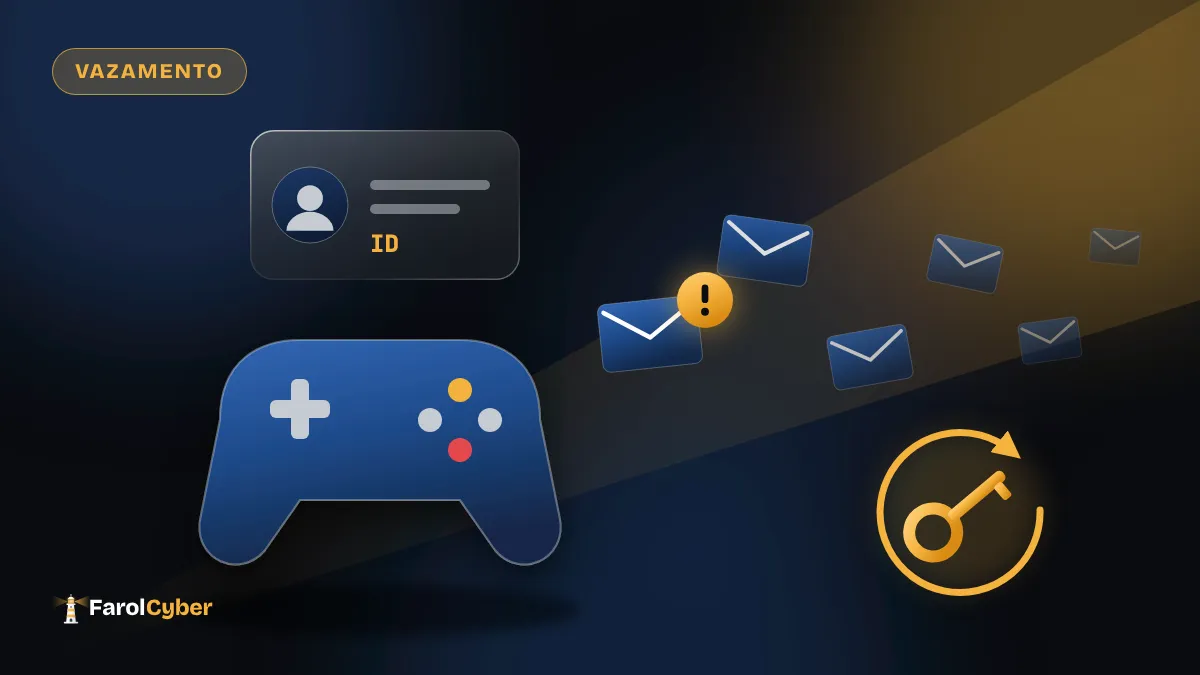
Capcom, the company behind Resident Evil and Street Fighter, confirmed that attackers broke into CAPCOM ID, the account players use to reach its online services and games. The email addresses of 11,774,247 people were taken.
The intrusion was discovered on October 19, according to SecurityWeek. Each email came with account data: when the account was created, when it was last used, how many times it logged in and the IP address of the last login. For 43 customers, the leak also included date of birth, gender, country and nickname.
The company has not said how the attackers got in or how long they were inside. The investigation is ongoing.
Passwords did not leak, but 196 were changed
Capcom says no user passwords were compromised. Even so, the attackers managed to change the password on 196 accounts. The company says it has already reset all of them and that services relying on CAPCOM ID are still running.
Affected users are being contacted one by one, and Capcom set up a dedicated support channel for the incident. The authorities have also been notified.
A ready-made list for scammers
Eleven million emails of people who play Capcom games is exactly what a scammer wants. With that list, it is easy to send messages pretending to be the company: “we detected suspicious activity, click here to secure your account”. The link leads to a fake page, and anyone who types their password there hands over the real account.
The extra data helps the deception. An email that mentions when you created your account or your last login looks far more legitimate. Capcom itself asked users to distrust messages in its name that carry links or attachments.
How to protect yourself
The main rule is not to click links in emails about the breach: go to Capcom’s site by typing the address in your browser.
- Change your CAPCOM ID password, even if there is no sign yours was affected.
- If you use the same password elsewhere, especially for your email, change it there too. A password manager makes it easy to have a different one for each account.
- Turn on two-factor authentication for your email and for any gaming accounts that offer it.
- Look up your email on Have I Been Pwned to see which other breaches it has appeared in.